
Bonrix Desktop Utility: Integration of USB-Serial (RS232) Weighing Scales with Web Applications via WebSocket
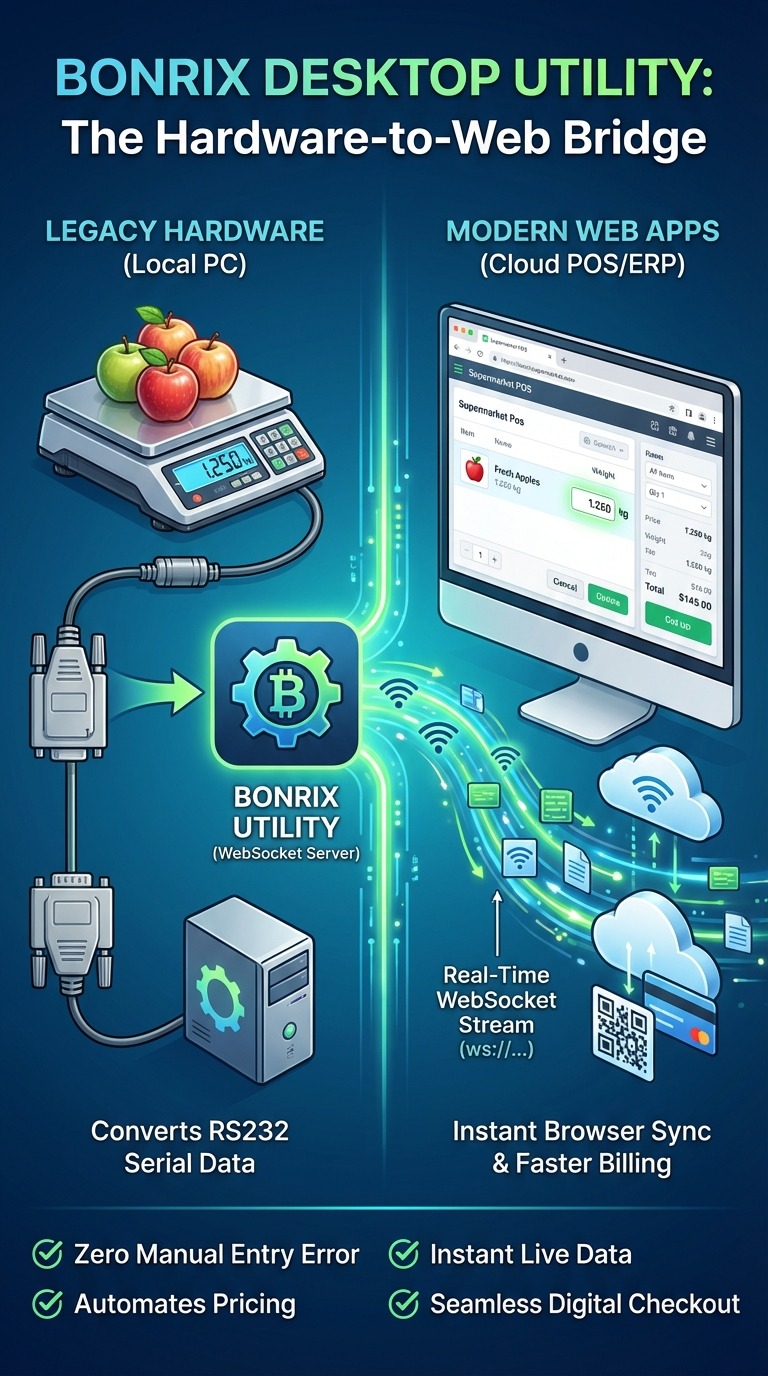
Bonrix Desktop Utility: Connect Bluetooth Weigh Scales to Web Applications via WebSocket
Is your web-based POS or ERP system struggling to integrate Bluetooth weigh scales? You’re not alone. In today’s cloud-driven retail world, browsers block direct Bluetooth serial access—making real-time weight-based billing seem impossible.
💡 Until now.
Introducing the Bonrix Desktop Utility – the lightweight bridge that seamlessly connects Bluetooth weighing scales to any web application via WebSocket!
🔗 What It Does
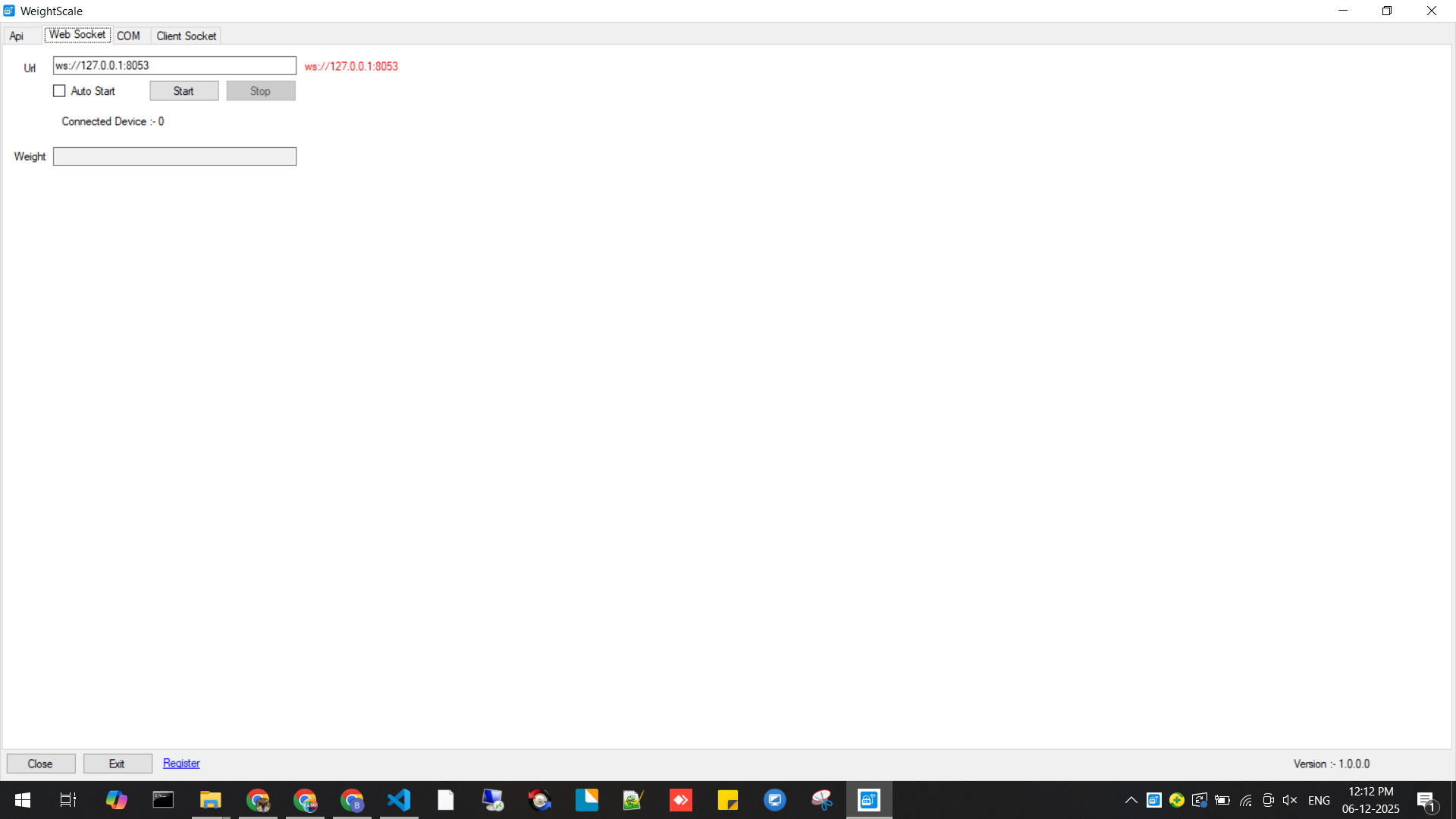
This utility pairs with your Bluetooth scale on a Windows PC and converts the scale’s serial output into a live WebSocket stream (e.g., ws://127.0.0.1:8053). Once active, your browser-based system can receive instant, real-time weight data without manual entry.
⚙️ Key Features
Bluetooth → WebSocket Bridge – Bypasses browser restrictions and delivers scale data to any WebSocket-compatible browser.
Real-Time Weight Streaming – Live weight updates appear instantly—no refresh, no polling.
Seamless POS & Billing Integration – Auto-fetch weight, fill item fields, calculate pricing, reduce errors.
Dynamic Payment Integration – Generate UPI QR codes instantly for smooth checkout.
✔ Suitable for billing in:
Fruit & vegetable stores
Meat & grocery counters
Wholesale markets
Logistics & packaging units
🛠️ How It Works – Simple & Efficient
Pair your Bluetooth scale with your Windows PC.
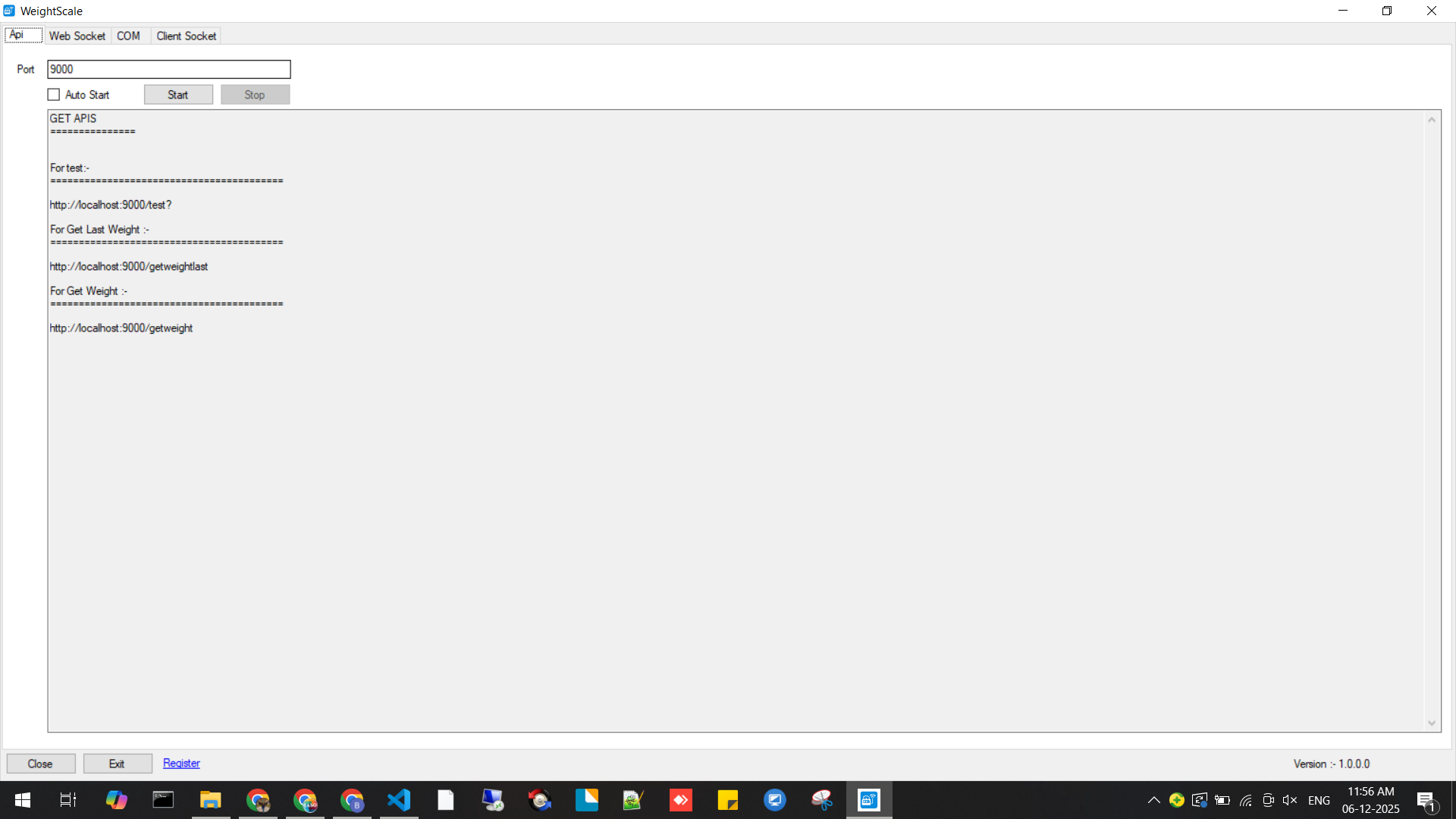
Launch Bonrix Desktop Utility and select COM Port + Baud Rate.
Start WebSocket server (e.g., ws://127.0.0.1:8053).
Configure your web POS to connect to the WebSocket URL.
Start weighing—view instant weight sync inside your web app.
Complete checkout using cash or integrated UPI payment.
🏪 Perfect For
Supermarkets & grocery stores
Fruit & vegetable vendors
Meat & fish shops
Logistics & warehouses
Retail chains using cloud POS
Any web ERP needing weight integration
🌟 Why Bonrix Utility?
Accurate, real-time weight capture
Faster billing & reduced queues
Full browser compatibility
Multi-client support
Error-free automated billing
Better payment flow via UPI integration
This isn’t just a tool—it’s a step toward true cloud-first retail technology.
#Bonrix #WeighingScale #POS #RetailTech #WebSocket #BluetoothIntegration #ERP #CloudPOS #DigitalBilling #RetailAutomation #UPIPayments #IoT #WeighBridge #WebBasedPOS #GroceryBilling #RetailInnovation #AutomationTools #SoftwareSolutions #BillingSystem #TechForRetail #WeighScaleIntegration #WebAppIntegration #BluetoothToWebSocket #POSBillingSolutions #DesktopUtility #WindowsApp #CloudComputing #DigitalTransformation #RetailSoftware #CheckoutTech #SmartRetail
Bonrix Software Systems
6352445500 | 9426045500 | 6352545500
| File Name | Web Link |
|---|---|
| Testing Bonrix Desktop Utility: Connect Bluetooth Weigh Scales to Web Applications via WebSocket |

|
| Testing HTML File for Connect Bluetooth Weigh Scales to Web Applications via WebSocket |

|
| Testing HTML File for Weight Scale Serial Reader |
|
| Testing HTML File for Connect Bluetooth Weigh Scales to Web Applications via WebSocket |
|


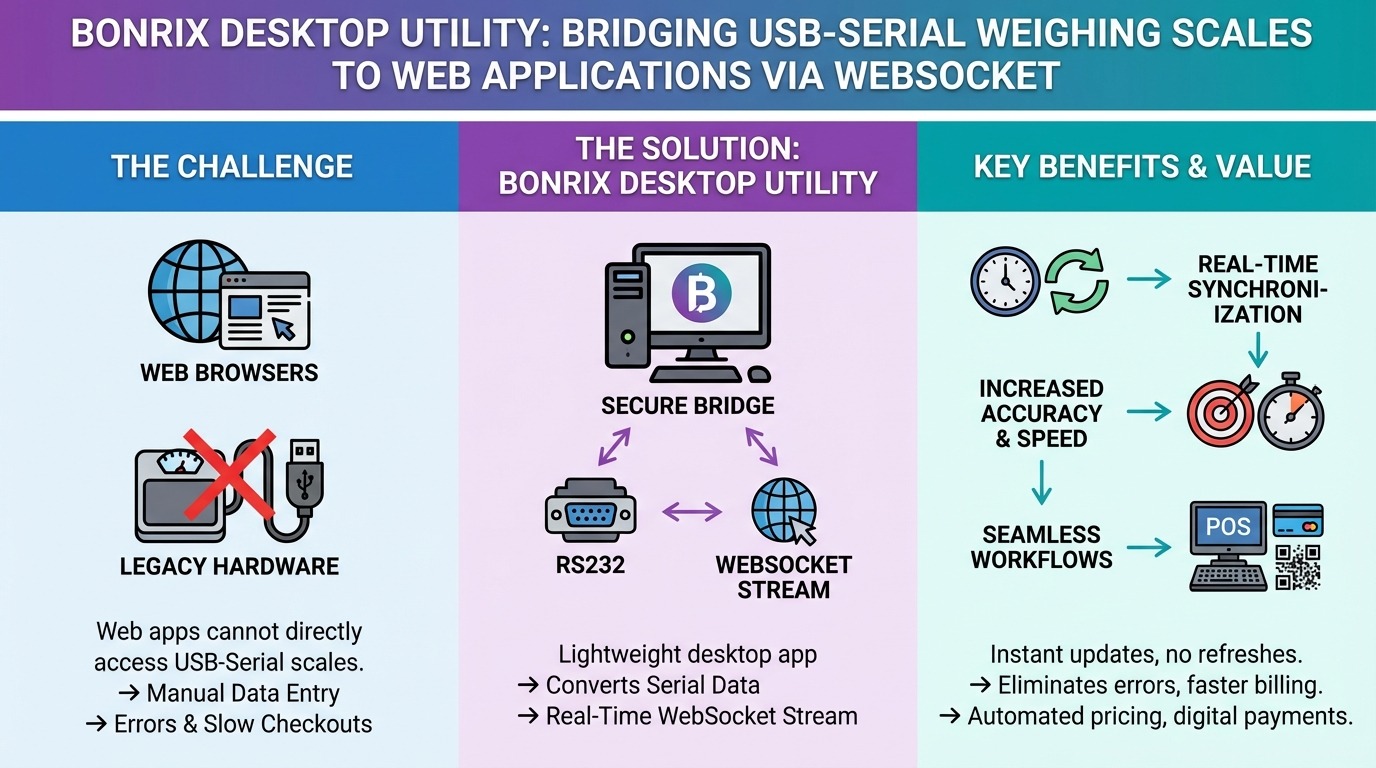
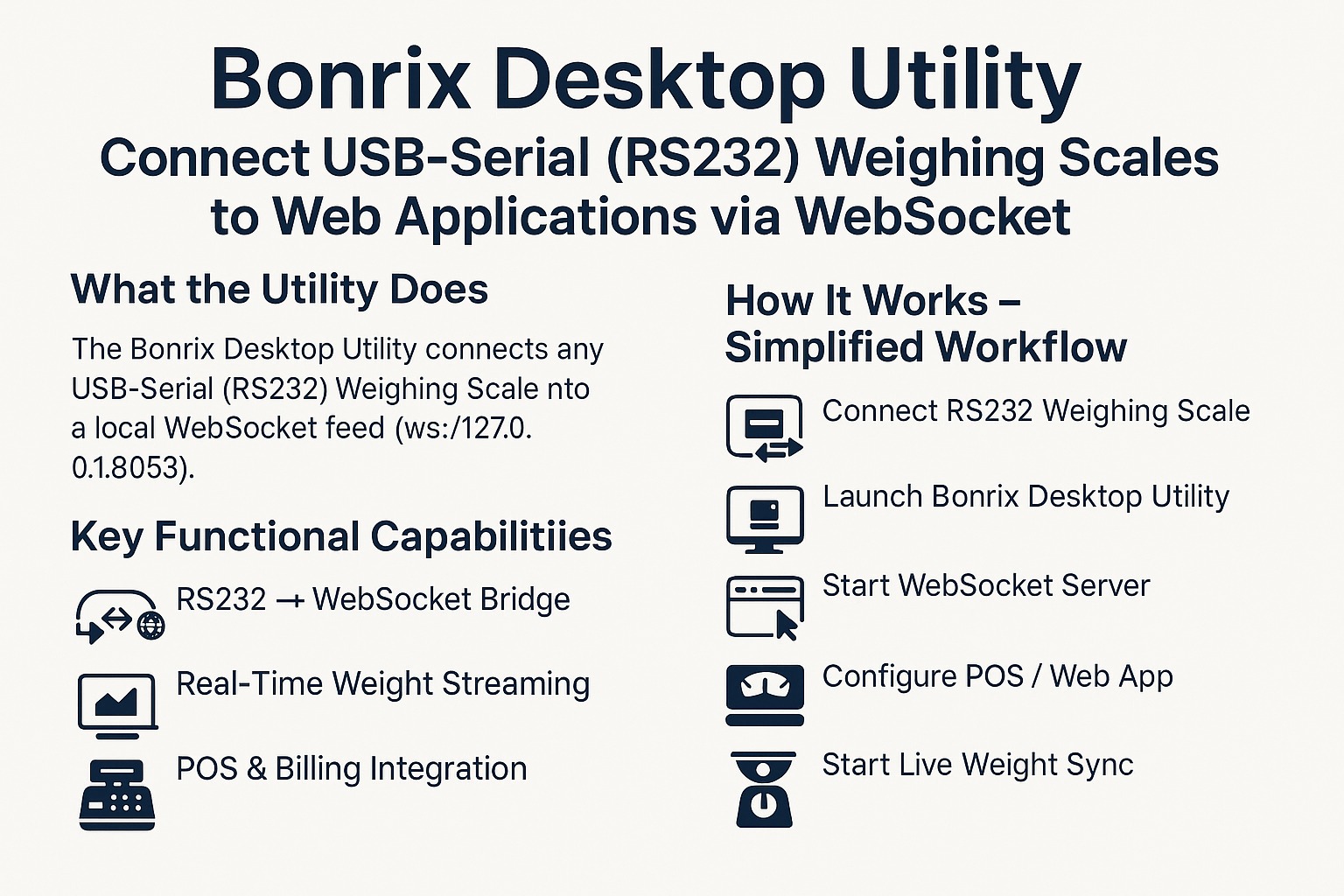
Bonrix Utility: Connect USB-Serial (RS232) Weighing Scales to Web-Based POS and ERP Using WebSocket
In the shift toward cloud-based, browser-driven retail systems, a critical gap remains: web apps cannot natively communicate with legacy USB-Serial (RS232) weighing scales—forcing a trade-off between modern software and accurate, automated billing.
💡 Not anymore.
Introducing the Bonrix Desktop Utility—a lightweight Windows app that bridges RS232 scales to any web application via real-time WebSocket streaming.
🔗 How It Works: Connect your scale (via USB-Serial adapter) → Utility reads serial data → Streams to ws://127.0.0.1:8053 → Your web POS receives live weight—no manual entry, no polling.
⚙️ Transforms Your Workflow:
• Legacy-to-Web Bridge – Bypass browser restrictions; integrate without rewriting your system.
• Real-Time Billing – Instant weight sync eliminates typos and speeds checkouts.
• Automated Workflows – Auto-fill items, compute pricing, update inventory.
• Digital Checkout Ready – Trigger UPI QR or other payment flows post-weighing.
✔ Designed For: Supermarkets, fresh produce & meat markets, logistics hubs, scrap traders, and any web-ERP user needing hardware integration.
🛠️ Simple 5-Step Setup:
1. Connect RS232 scale via USB-Serial adapter
2. Launch Bonrix Utility → Select COM Port & Baud Rate
3. Start local WebSocket server
4. Point your web app to the WebSocket URL
5. Weigh → Sync → Bill → Pay
🌟 Why It Matters: Enables truly connected retail—where industrial hardware and cloud software cooperate seamlessly.
This isn’t a workaround—it’s modern integration, done right.