
Bulk Add WhatsApp Numbers via Excel | Bonrix WhatsApp Application | Group Management Tool
📱 Ready to streamline your WhatsApp group management? Discover the Bonrix WhatsApp Application's powerful bulk number addition feature using Excel sheets. Perfect for group admins, business owners, and anyone looking to optimize their WhatsApp experience with hassle-free contact organization.
🎥 Watch: Step-by-step guide to adding bulk WhatsApp numbers using Excel sheet integration for efficient group management
🎬 Master Bulk WhatsApp Group Management – Excel Integration Tutorial
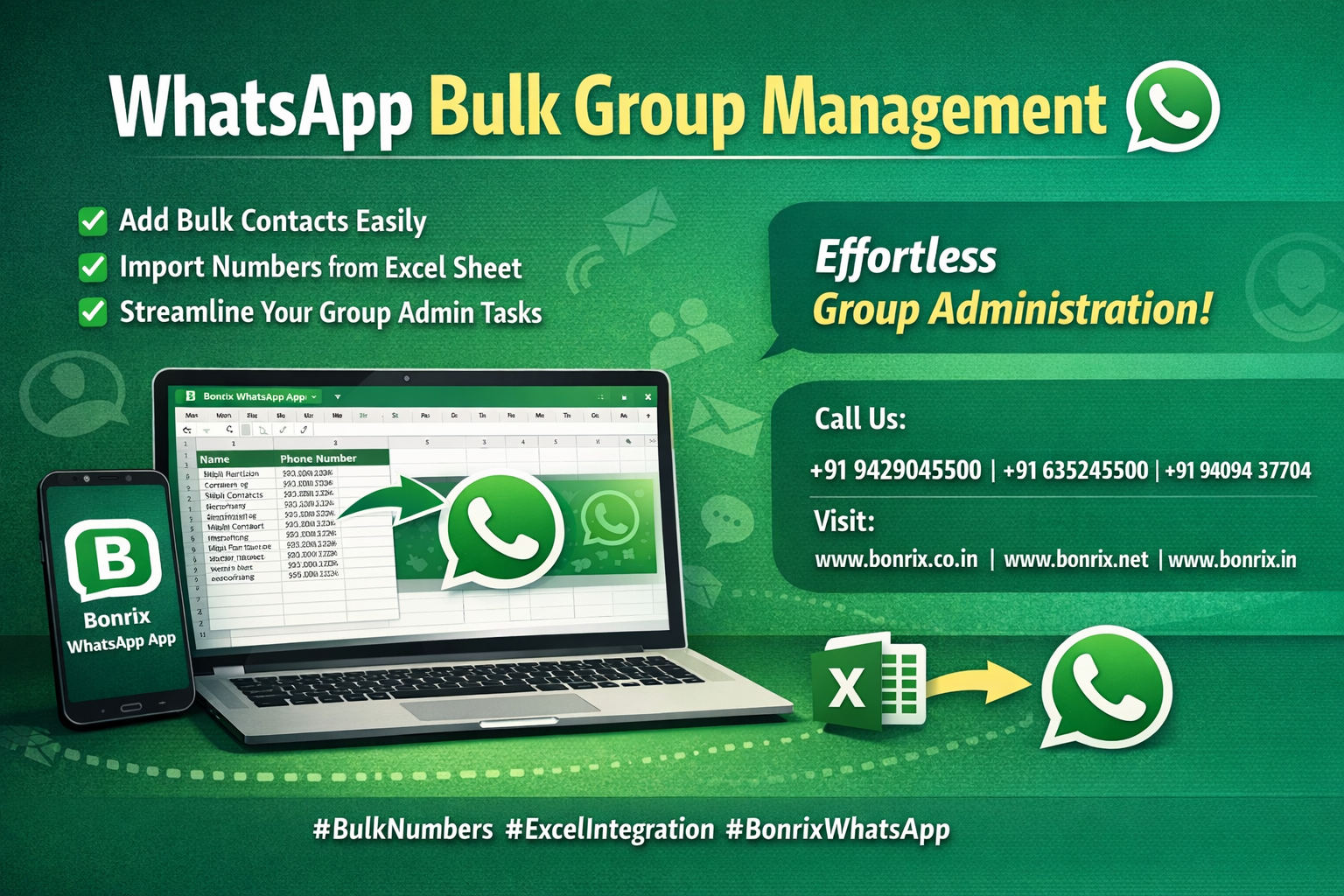
Welcome to our comprehensive video tutorial on the Bonrix WhatsApp Application! In this guide, we explore the incredible features that make managing large WhatsApp groups effortless. Learn how to add hundreds of contacts instantly using a simple Excel sheet – no manual entry required!
1️⃣ "Understanding the Bonrix WhatsApp Application Capabilities"
Discover why thousands of businesses and group admins trust Bonrix for WhatsApp management:
- 📊 Bulk Operations: Add, manage, and organize hundreds of contacts in minutes
- 📁 Excel Integration: Seamlessly import contact lists from formatted Excel sheets
- 👥 Group Management: Streamline admin tasks for large WhatsApp communities
- ⚡ Time-Saving: Eliminate hours of manual number entry with automated bulk addition
- 🔒 Secure & Compliant: Built on WhatsApp Business API guidelines for safe operations
2️⃣ "The Significance of Bulk Number Addition for Efficient Group Management"
Why bulk addition is a game-changer for WhatsApp group admins and businesses:
- ⏱️ Save Hours: Add 100+ numbers in seconds instead of manual one-by-one entry
- 📈 Scale Effortlessly: Grow your WhatsApp community without administrative bottlenecks
- ✅ Error Reduction: Eliminate typos and duplicate entries with structured Excel import
- 🎯 Better Organization: Maintain clean, categorized contact lists for targeted communication
- 💼 Business Ready: Perfect for customer onboarding, event management, and team coordination
3️⃣ "Creating a Properly Formatted Excel Sheet for Seamless Integration"
Learn the exact format required for successful bulk number upload:
- 📋 Column Structure: Create columns for Name, Mobile Number, and optional fields (Email, Group Name)
- 📱 Number Format: Use international format (e.g., +91 9876543210) for accurate WhatsApp recognition
- 🧹 Data Cleaning: Remove duplicates, special characters, and invalid entries before upload
- 💾 File Format: Save as .XLSX or .CSV for maximum compatibility with Bonrix App
- ✔️ Validation: Double-check numbers for accuracy – valid format ensures successful addition
4️⃣ "Step-by-Step Guide to Adding Bulk Numbers Effortlessly"
Follow this simple workflow to import your Excel contact list:
- 📲 Open Bonrix WhatsApp App: Launch the application on your Android device
- 📁 Navigate to Bulk Import: Go to Contacts > Add Bulk Numbers > Import from Excel
- 📤 Select Your File: Browse and choose your prepared Excel/CSV sheet from device storage
- 🔄 Map Columns: Match Excel columns to app fields (Name → Name, Mobile → Phone Number)
- ✅ Review & Confirm: Preview imported contacts, check for errors, then click "Add to WhatsApp"
- 🎉 Success! Watch as hundreds of contacts are added automatically to your WhatsApp groups
🎯 Why This Tutorial Matters for WhatsApp Group Admins
- ✅ No Technical Skills Needed: Simple Excel format anyone can create
- ✅ Instant Results: See contacts added to groups in real-time
- ✅ Reusable Templates: Save Excel format for future bulk additions
- ✅ Multi-Group Support: Add numbers to different groups from same sheet
- ✅ Cost-Effective: Free up staff time for higher-value tasks
🔄 Complete Bulk Addition Workflow – From Excel to WhatsApp
- 📝 Prepare Excel Sheet: Format contact data with proper column headers
- 🔢 Validate Numbers: Ensure all mobile numbers are in correct international format
- 📲 Open Bonrix App: Access bulk import feature from main menu
- 📁 Upload File: Select and import your Excel/CSV contact list
- ✔️ Confirm & Sync: Review preview and add numbers to WhatsApp groups instantly
🎯 Perfect For These WhatsApp Management Scenarios
🏢 Corporate Team Coordination:
HR departments can quickly add new employees to company WhatsApp groups using existing Excel employee databases.
🎓 Educational Institutions:
Schools and colleges can bulk-add students, parents, or faculty to class groups, announcement channels, and event groups.
🛍️ E-commerce Customer Groups:
Online sellers can create VIP customer groups, flash sale alerts, or product launch communities from customer databases.
🏘️ Housing Society & Community Groups:
Residential complexes can add all residents to society WhatsApp groups for announcements and emergency alerts.
🎪 Event Management:
Organizers can quickly create event-specific groups by importing attendee lists from registration Excel sheets.
⚙️ Technical Highlights – Excel Integration Features
- 📊 Multiple Formats: Supports .XLSX, .XLS, and .CSV file types
- 🔢 Unlimited Contacts: No restriction on number of rows – add thousands at once
- 🌍 International Numbers: Auto-detects country codes for global contact lists
- 🔍 Smart Validation: App flags invalid numbers before import for error-free addition
- 💾 Data Privacy: All contact data processed locally; no external sharing
💡 Pro Tips for Successful Bulk Number Addition
- ✨ Use Templates: Download Bonrix Excel template for guaranteed format compatibility
- 🧹 Clean Data First: Remove duplicates and invalid entries in Excel before upload
- 📱 Test Small Batch: Import 10-20 numbers first to verify format before full upload
- 🏷️ Add Group Names: Include group assignment column to auto-sort contacts into different groups
- 📧 Include Names: Always add contact names for better WhatsApp display and personalization
Whether you're managing a small team group or a massive community of thousands, Bonrix WhatsApp Application's Excel integration makes bulk contact management simple, fast, and error-free.
📞 Contact Us
For queries, support, or feedback, reach out to us through the comments or our contact details provided below.
📱 Mo: +91 9429045500 | +91 6352445500 | +91 94094 37704
🔗 www.bonrix.co.in | www.bonrix.net | www.bonrix.in