Bonrix CRM & Call Center Auto Dialer


Transform Your Sales Operations with Bonrix CRM & Call Center Auto Dialer System
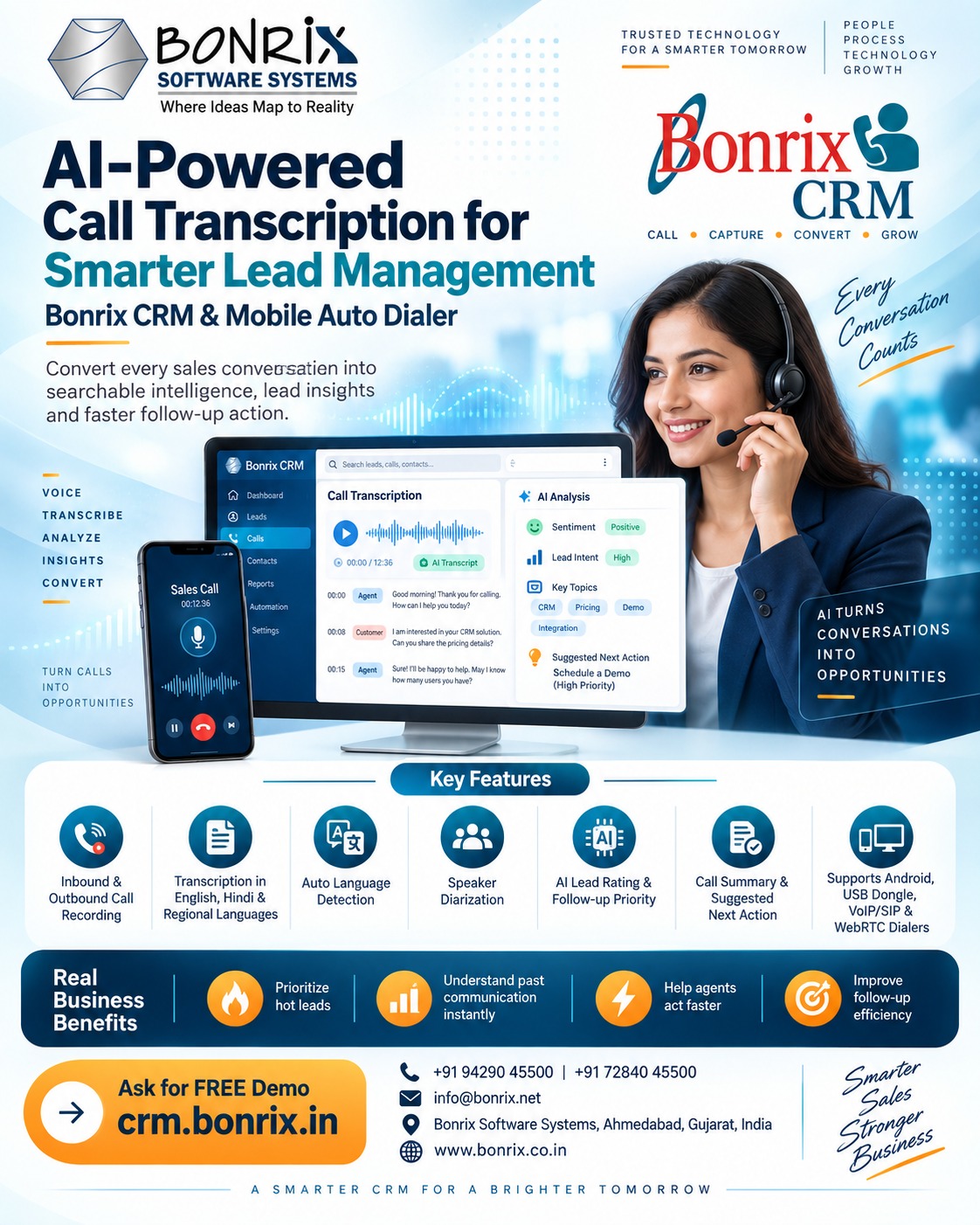
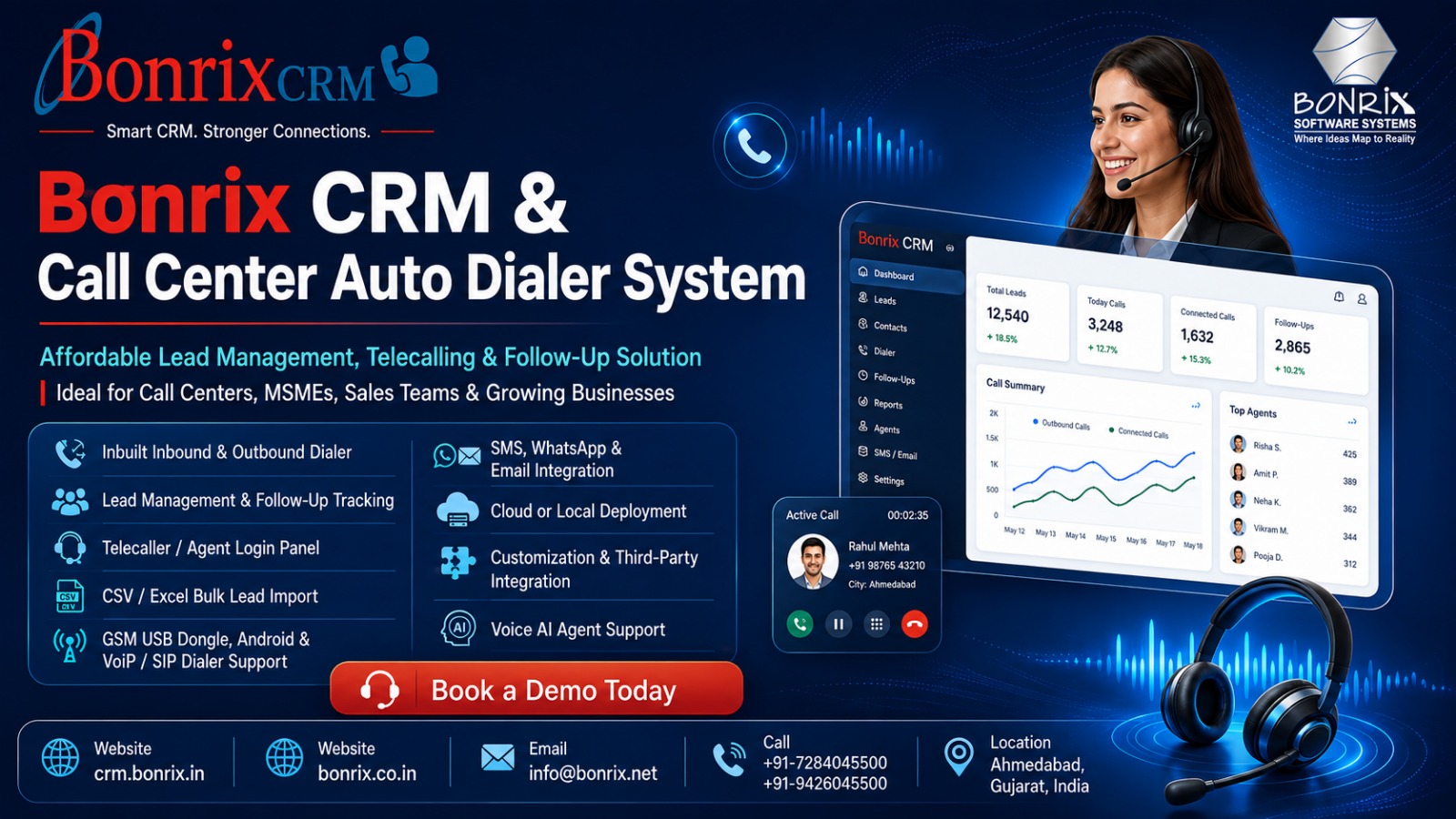
In today’s hyper-competitive business landscape, managing leads efficiently and maintaining seamless communication with prospects is the cornerstone of success. Bonrix Software Systems, a premier technology innovator based in Ahmedabad, Gujarat (India), brings you a revolutionary, ready-to-use solution: the Bonrix CRM & Call Center Auto Dialer System. Purpose-built to empower small call centers, emerging organizations, independent enterprises, and MSMEs, this robust platform stands out as a highly cost-effective, feature-rich alternative to expensive, rigid SaaS-based CRM solutions.
The Bonrix Advantage: Flexibility, Power, and Affordability
What sets Bonrix CRM apart is its unparalleled flexibility and user-centric design. Unlike rigid cloud-only subscriptions, Bonrix offers both a one-time purchase model and affordable cloud-based rental subscriptions, alongside the choice of Local (On-Premise) or Cloud deployment. This ensures your data remains secure while fitting perfectly within your budget.
The system is engineered to be intuitive, making lead management and follow-ups effortless for teams of any technical proficiency. Furthermore, Bonrix provides extensive customization services, tailoring the CRM specifically to your unique business requirements, including seamless integration with third-party lead sources. For MSMEs, investing in enterprise-grade CRMs can be financially draining. Bonrix bridges this gap by offering enterprise-level features at a fraction of the cost.
Next-Gen Dialing, AI Automation & Omnichannel Communication
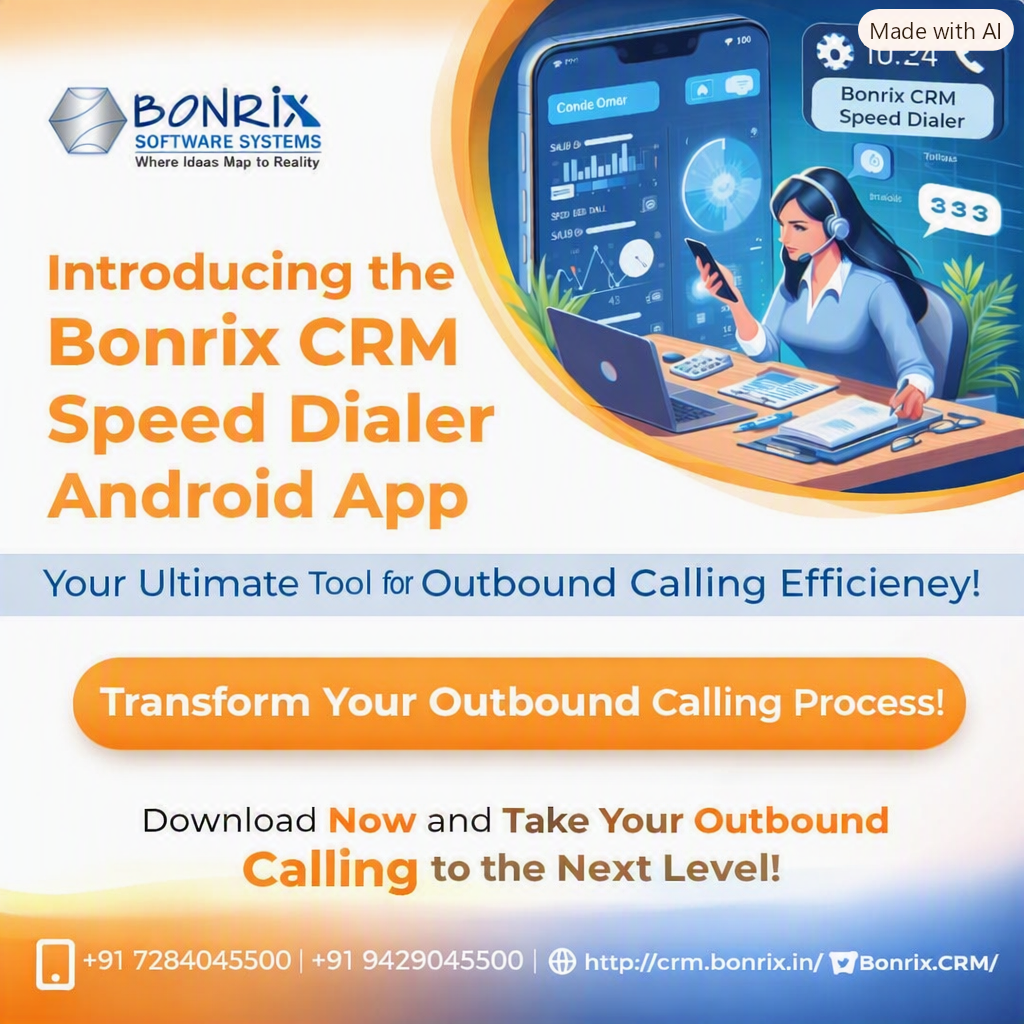
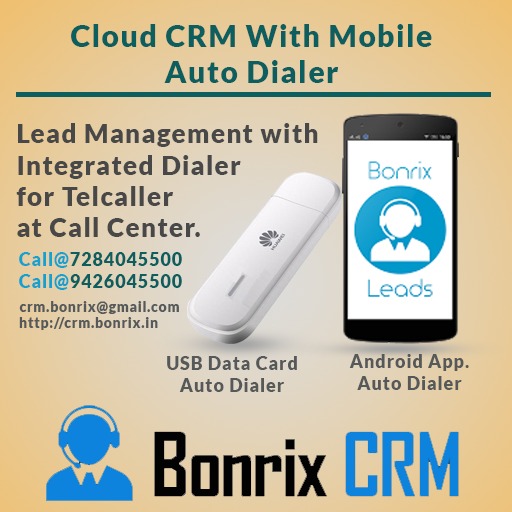
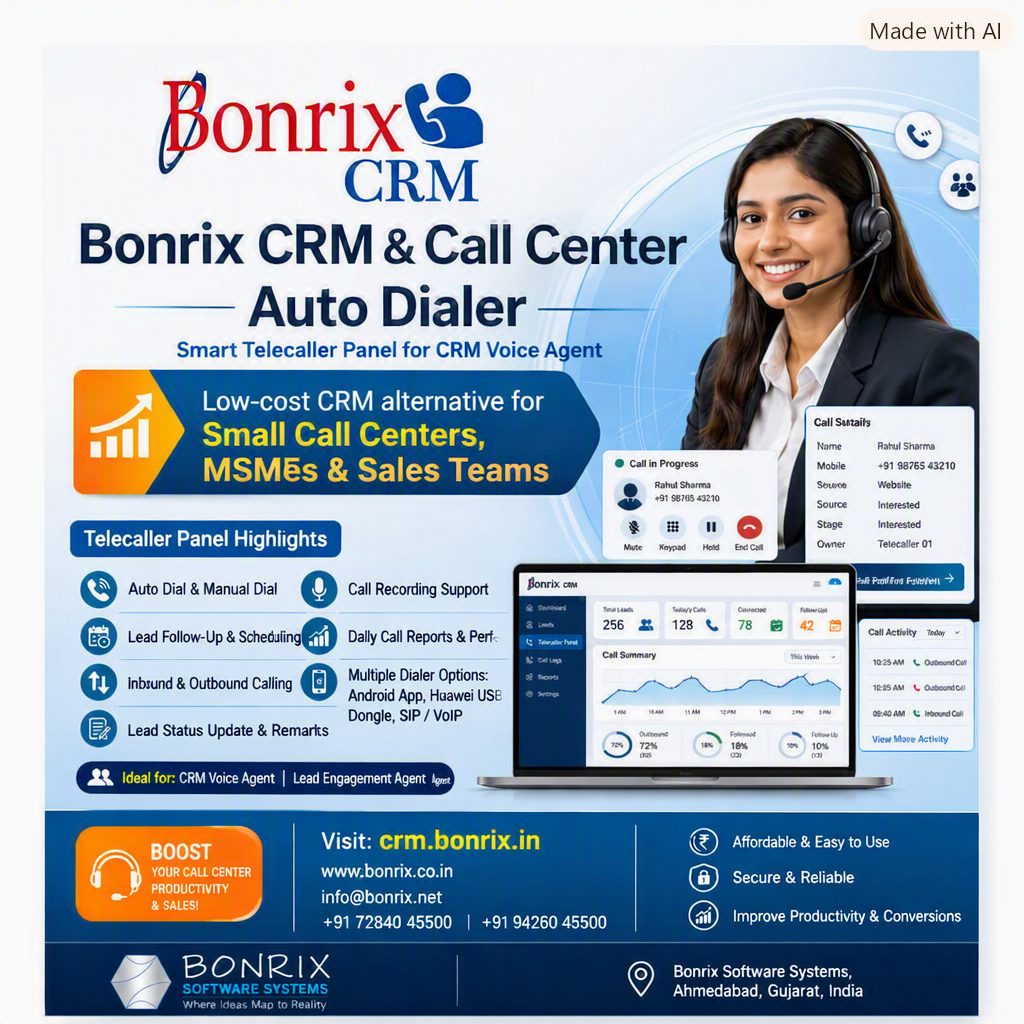
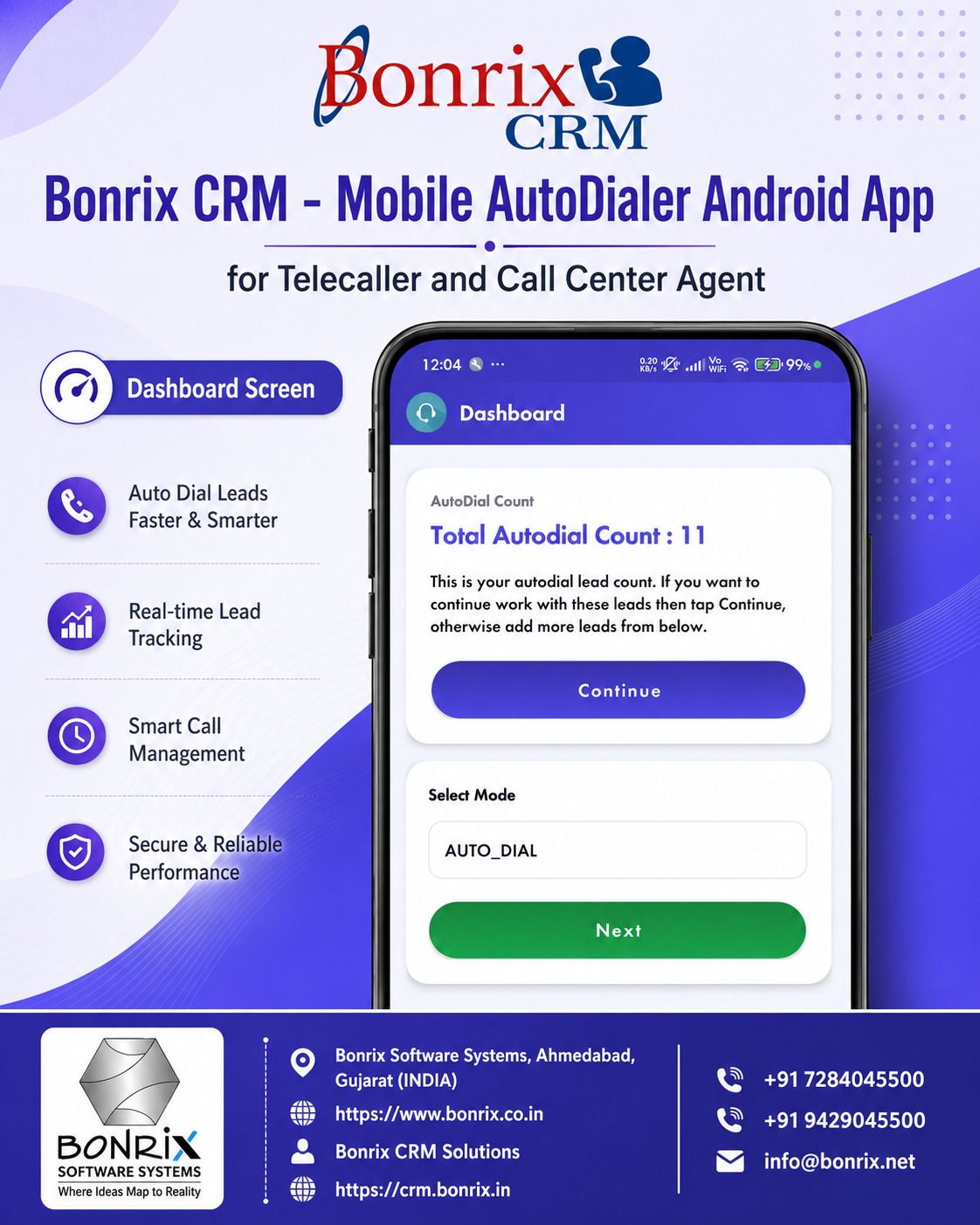
At the heart of the system is its versatile telephony infrastructure. It features an inbuilt inbound and outbound dialer or can integrate with your existing third-party dialers via dedicated development support. The platform supports a vast array of hardware and protocols, including GSM SIM USB Dongles, Android Handsets, and VoIP/SIP-based dialers.
Taking automation to the next level, the CRM supports an advanced Voice AI Agent. This cutting-edge add-on enables self-dialing, intelligent scheduling, and automated lead filtering. Instead of agents wasting hours listening to ringing tones, the AI autonomously dials, filters out dead leads, and routes qualified prospects to human agents.
Moreover, omnichannel engagement is fully supported with SMS, WhatsApp, and Email integrations, allowing agents to send instant quotations and follow-up materials directly over the call.
Empowering Managers: The Ultimate Control Panel
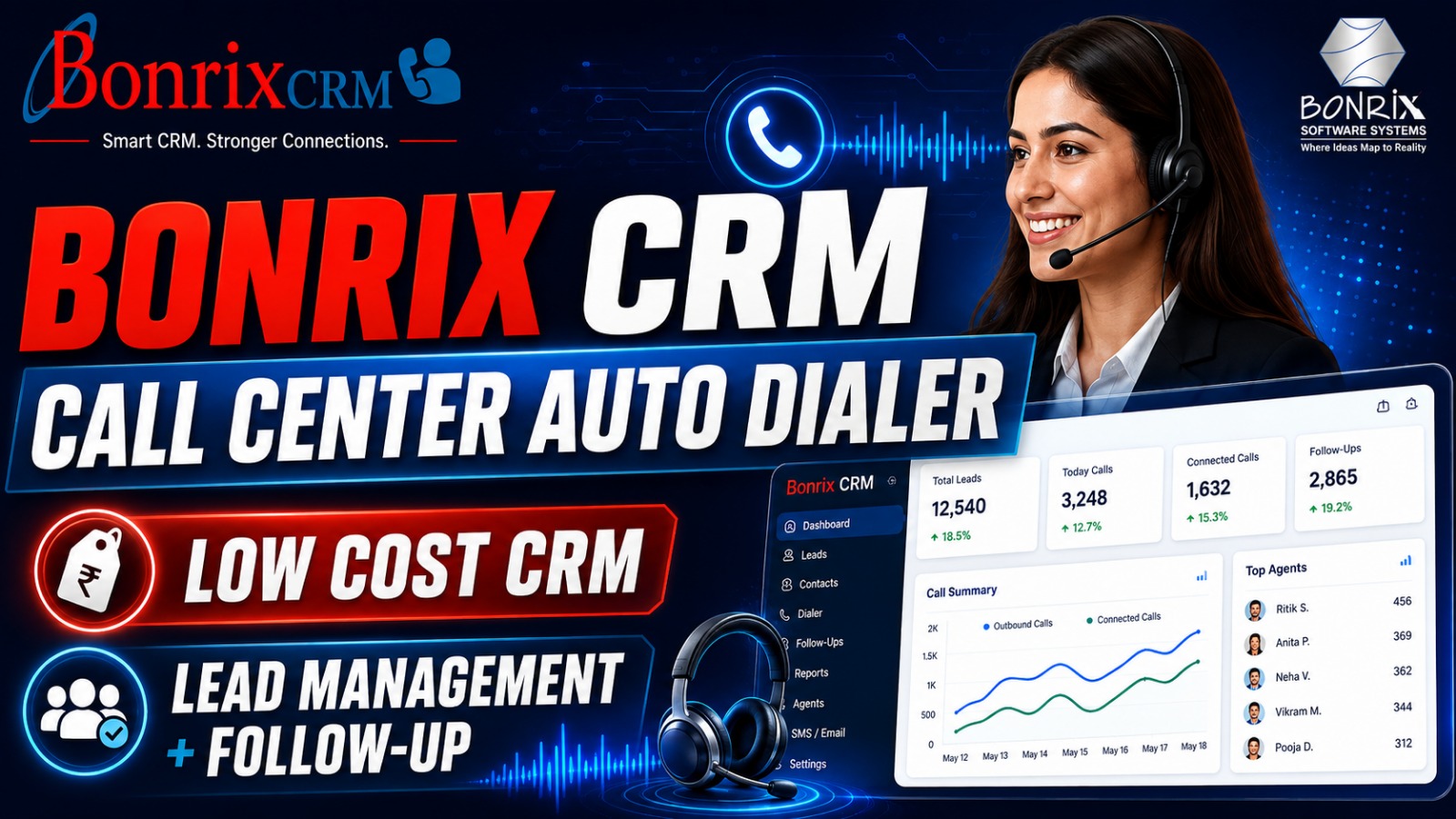
1. Secure Access & Real-Time Analytics: User authentication ensures secure access to the SmartSMS / Bonrix CRM dashboard. Managers can view real-time summary cards including Total Leads, Due Leads, Scheduled Calls, and dynamic graphical reports tracking call success rates, lead states, and telecaller performance.
2. Comprehensive Lead Management: Add leads manually or utilize Bulk Lead Import via CSV/Excel. The smart importer features auto-formatting, such as stripping standard country codes like +91, and dynamic field mapping to push leads directly into the AutoDialer.
3. Workflow & Assignment: Create custom lead categories and define specific Lead States such as In Progress, Interested, Follow Up, and Close. Managers can easily filter leads and perform Bulk Reassignments to optimize telecaller workloads.
4. Telecaller Management & Audit Logs: Create dedicated, secure login profiles for agents. Managers can monitor every interaction through detailed Success and Fail Call Logs, complete with call duration, failure reasons, remarks, and direct Call Audio Playback. This powerful feature supports Quality Assurance (QA), agent training, sales-pitch improvement, and dispute resolution.
5. Call Recycling & Export: Failed calls can be instantly exported to .XLS or recycled back into the AutoDialer for further follow-up.
Contact Bonrix Software Systems Today
Elevate your sales pipeline and maximize ROI with India's premier MSME-friendly CRM.
🌐 Web: https://www.bonrix.co.in
🌐 CRM Portal: https://crm.bonrix.in
✉️ Email: info@bonrix.net
📞 Mobile: +91-7284045500 / +91-9426045500
Extended List of Related Hashtags
#BonrixSoftware #BonrixCRM #CallCenterSolutions #AutoDialer #LeadManagementSystem #CRMSoftware #TelecallingSoftware #VoiceAIAgent #PredictiveDialer #VoIPDialer #GSMdialer #SalesForceAutomation #MSMEIndia #AhmedabadTech #GujaratBusiness #SaaSAlternative #CloudCRM #OnPremiseCRM #LeadGeneration #TelemarketingTools #CustomerEngagement #OmnichannelCRM #WhatsAppIntegration #SalesPipeline #CallCenterManager #TelecallerApp #CallAudit #SalesAnalytics #BusinessAutomation #AIinSales #SmallBusinessCRM #StartupIndia #LeadFollowUp #SalesTech #CallCenterTech #CustomerRelationshipManagement #DigitalTransformation #SmartCRM #DialerIntegration #TelephonySolutions #SalesProductivity #LeadTracking #InboundOutbound #TechSolutionsIndia #BonrixSystems #SmartSMS #SalesDialer #CRMIntegration #VoiceAI #CallCenterAutomation #SalesAcceleration #LeadConversion #TelesalesTools #B2BSales #GrowthHacking #TechInnovationsIndia #AhmedabadStartups #MakeInIndia #VocalForLocal #SoftwareSolutions
Bonrix CRM & Call Center Auto Dialer

Bonrix CRM & Call Center Auto Dialer Images
.png)
.png)
.png)
.png)
.png)
.png)
.png)
.png)
.png)
.png)
.png)
.png)
.png)
| Login Details | Credentials | Web Link |
|---|---|---|
| Manager Login Panel |
https://crmcloud.bonrix.in/login.html
user id - google user password - google |
 |
Videos
Bonrix CRM & Call Center Auto Dialer – Affordable Lead Management, Follow-Up & Calling Solution
Bonrix Software Systems provides a ready-to-use CRM, Lead Management, Lead Follow-Up and Call Center Auto Dialer System for small call centers, MSMEs, startups, sales teams, service companies and telecalling teams.
Bonrix CRM is a practical, low-cost alternative to expensive SaaS CRM platforms, helping businesses manage leads, telecallers, follow-ups, calls, recordings, reports and customer communication from one system.
☎️ Integrated Calling & Auto Dialer
Bonrix CRM can integrate with:
- ✅ GSM SIM-based USB Dongle Dialer
- ✅ Android Mobile Handset Dialer
- ✅ VoIP / SIP Dialer
- ✅ Call Center Dialer
- ✅ Third-Party Dialing Systems
- ✅ Custom Dialer APIs
- ✅ Voice AI Agent Auto Dialer
Choose the calling infrastructure that best fits your budget and operations.
📊 Manager Dashboard & Reports
Managers can monitor:
- Total, Due, Scheduled & Closed Leads
- Follow-Ups
- Telecaller Performance
- Successful & Failed Calls
- Category-wise & State-wise Lead Summary
- Monthly / Yearly Calling Trends
Graphical reports provide a clear view of productivity and conversions.
📋 Complete Lead Management
Create leads manually or bulk upload them through CSV / Excel. Flexible field mapping supports Customer Name, Mobile Number, Category, Country, Lead Source, Telecaller, Schedule Date and more.
Imported leads can be pushed directly into the Auto Dialer.
🎯 Custom Lead Categories & Stages
Define your own sales workflow, for example:
New Lead → Contacted → Interested → Follow-Up → Negotiation → Closed
👥 Telecaller & Agent Management
Create separate telecaller logins for assigned leads, follow-ups, scheduled calls and customer details while managers retain centralized control.
🔄 Bulk Lead Assignment
Filter leads by category, status, assignment, telecaller or follow-up status, then assign or reassign multiple leads in bulk.
📞 Call Reports & Audit Logs
Maintain records of customer details, call time, duration, telecaller, lead status, remarks, follow-ups and audio recordings. Failed, unanswered or busy calls can be tracked and re-added to the Auto Dialer.
🤖 Voice AI Agent Integration
Integrate Voice AI Agents for automatic calling, initial conversations, lead filtering and qualification so telecallers can focus on high-value prospects.
💬 SMS, WhatsApp & Email Integration
Integrate SMS, WhatsApp and Email to send quotations, product details, payment links and other customer information.
⚙️ Third-Party Integration & Custom Development
Receive leads from websites, landing pages, lead portals, mobile apps, ERP systems, advertising platforms and external APIs. Custom integrations can be developed for your workflow.
🏢 Flexible Deployment
- ☁️ Cloud Subscription / Rental Model
- 🏢 Local / On-Premise Installation
- 💻 One-Time Purchase Option
✨ Why Choose Bonrix CRM?
- ✅ Affordable and easy to use
- ✅ Lead follow-up management
- ✅ Integrated calling
- ✅ Dedicated telecaller login
- ✅ Bulk lead import and assignment
- ✅ Call recording and audit history
- ✅ Customizable lead stages
- ✅ Cloud or local deployment
- ✅ One-time purchase or rental options
- ✅ API and third-party integration
- ✅ SMS / WhatsApp / Email support
- ✅ Voice AI Agent integration
- ✅ Custom CRM development support
📞 Bonrix SmartCRM Auto Dialer – Complete Product Demo
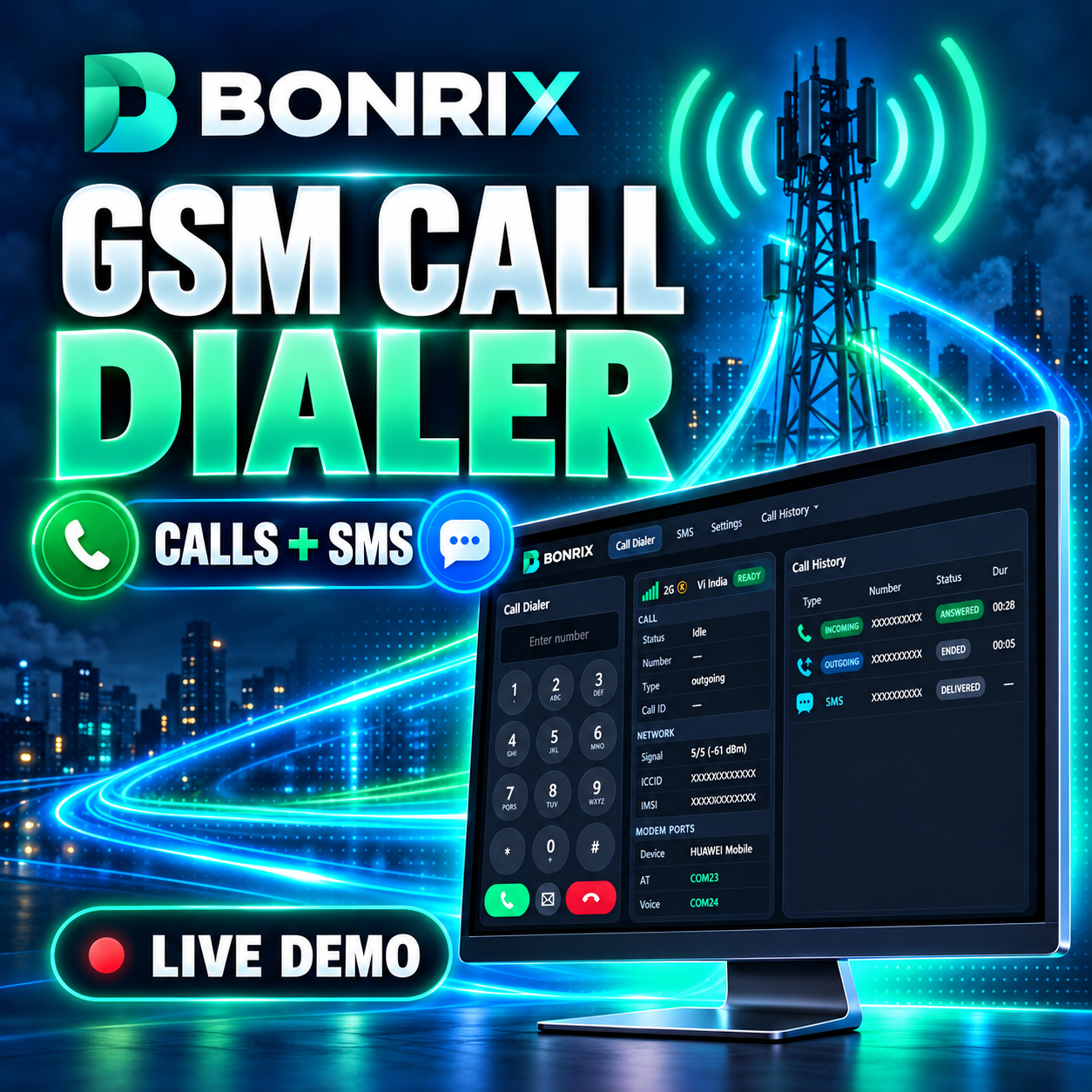
Watch Bonrix SmartCRM’s category-wise Auto Dialer working with the Bonrix desktop GSM Dialer. This demo shows how telecalling and sales teams can manage leads, make SIM-based GSM calls, track call activity and schedule customer follow-ups from one connected CRM workflow.
Bonrix SmartCRM helps businesses organize leads by category, automatically dial customer numbers through a connected GSM modem, view lead details during calls and record the outcome of every conversation.
🚀 FEATURES DEMONSTRATED
- ✅ Category-wise automatic lead dialing
- ✅ Date-range lead search
- ✅ Category-wise lead count
- ✅ Start and stop auto dialing from the CRM
- ✅ Lead details displayed during calling
- ✅ Desktop GSM Dialer integration
- ✅ Connected modem and network information
- ✅ Live call status: ringing and ended
- ✅ Outgoing call history
- ✅ Phone number, call status and call duration
- ✅ Call audio playback and download
- ✅ Successful-call follow-up form
- ✅ Lead status and customer response update
- ✅ Next follow-up date and time scheduling
- ✅ Remarks and conversation notes
- ✅ Failed-call response options
- ✅ Busy, Call Waiting and Switched Off status
- ✅ Network Error and Number Does Not Exist status
- ✅ Ringing No Response status
- ✅ Follow-up countdown timer
- ✅ End-call controls from the CRM
💼 USE CASES
- • Telecalling teams
- • Sales and marketing teams
- • Call centers
- • Customer support teams
- • Lead-generation businesses
- • Outbound calling teams
- • Customer follow-up management
🎯 BENEFITS
Bonrix SmartCRM reduces manual dialing work, keeps call records organized and helps teams manage customer follow-ups efficiently. Managers and operators can track calling activity, update lead status and maintain proper follow-up records.
📌 GSM CALLING
GSM Calling means making calls through a SIM card inserted into a connected GSM modem. The CRM controls the dialing process, while the call is placed through the mobile network.
📞 FOR DEMO & SALES ENQUIRIES
📞 Call: +91 7284045500
📧 Email: crm.bonrix@gmail.com
🌐 CRM Website: https://crm.bonrix.in/
🌐 Company Website: https://www.bonrix.co.in/
📍 Location: Bonrix Software Systems, Ahmedabad, Gujarat, India
Contact Bonrix to learn more about SmartCRM, GSM Calling, Auto Dialer and Lead Management solutions.
👍 Like this video, share it with your team and subscribe for more Bonrix product demonstrations.
#Bonrix #BonrixSmartCRM #SmartCRM #AutoDialer #GSMCalling #GSMDialer #TelecallingSoftware #CRMSoftware #LeadManagement #SalesAutomation #FollowUpManagement #CallHistory #CallRecording #OutboundCalling #SalesDialer #CallCenterSoftware #CustomerSupport #BusinessAutomation #SalesTeam #LeadTracking #Telemarketing #MadeInIndia
📞 Bonrix SmartCRM Incoming Call Management with Desktop GSM Dialer
Watch how Bonrix SmartCRM works with the Bonrix Desktop GSM Dialer to manage incoming customer calls, display matching lead records, update customer responses, and schedule follow-ups from one CRM interface.
This video demonstrates the workflow from receiving an incoming call to saving follow-up details and reviewing the updated lead information.
For telecalling and sales teams, having customer details available during a call helps maintain conversation continuity. With the demonstrated Bonrix SmartCRM workflow, the operator can review matching records and record the next action after speaking with the customer.
🎥 FEATURES DEMONSTRATED IN THIS VIDEO
- ✅ Incoming Call Notification: View an incoming call alert with the caller’s number so the operator can identify the call and take action.
- ✅ Answer and Hang-Up Controls: Use the desktop GSM dialer’s call controls to answer an incoming call or end the conversation.
- ✅ Matching Lead Details: View lead records associated with the incoming caller’s mobile number. The displayed list includes information such as lead ID, name, mobile number, lead state, progress state, and category.
- ✅ Desktop GSM Dialer Integration: See the Bonrix desktop dialer working alongside the web CRM, bringing calling and lead management into the same workflow.
- ✅ Modem and Network Information: The dialer interface displays connected modem details, network information, signal status, and communication port information.
- ✅ Incoming Call History: Review incoming call entries with the caller number, call status, and duration to understand recent calling activity.
- ✅ Category and Lead Selection: Select the relevant category or lead while entering follow-up details, helping the operator attach the update to the appropriate record.
- ✅ Lead Status Updates: Update the lead state after the conversation to reflect the current stage of the customer enquiry.
- ✅ Customer Response Entry: Select the customer’s response to record the outcome of the conversation and support the next follow-up action.
- ✅ Follow-Up Scheduling: Set a follow-up date and time when another customer interaction is required.
- ✅ Customer Remarks: Add notes about the conversation, customer requirements, pending information, or the next action.
- ✅ Save and Review Updates: Save the follow-up information and review the updated details in the All Leads section.
🔄 WORKFLOW SHOWN
Incoming customer call → View matching lead details → Answer using the GSM dialer → Complete the conversation → Select the relevant lead → Update status and response → Schedule the next follow-up → Add remarks → Save the update.
💼 WHO CAN USE THIS WORKFLOW?
- • Telecalling teams handling customer enquiries
- • Sales teams managing leads and callbacks
- • Customer support staff recording conversation outcomes
- • Businesses using a desktop GSM dialer with their CRM
- • Operators who need customer records available during incoming calls
Keeping call activity and follow-up information organized helps teams review previous interactions and understand what needs to happen next. Customer remarks also provide useful context when the same lead is handled again.
Bonrix SmartCRM brings lead details, customer responses, and follow-up scheduling together to support an organized calling process.
📞 FOR DEMO & SALES ENQUIRIES
📞 Call: +91 7284045500
📧 Email: crm.bonrix@gmail.com
🌐 Website: https://crm.bonrix.in/
📍 Location: Bonrix Software Systems, Ahmedabad, Gujarat, India
Contact us to discuss Bonrix SmartCRM and desktop GSM dialer integration for your business.
👍 Like this video if you found the demo useful.
💬 Comment with your CRM and telecalling requirements.
🔔 Subscribe for more Bonrix software demonstrations and product updates.
#Bonrix #BonrixSmartCRM #CRMSoftware #GSMDialer #IncomingCallManagement #TelecallingSoftware #LeadManagement #FollowUpManagement #SalesCRM #CustomerRelationshipManagement #DesktopDialer #CRMIntegration #CallManagement #LeadTracking #CustomerSupport #SalesFollowUp #FollowUpScheduling #CustomerManagement #BusinessSoftware #TelecallerCRM #SalesTeam #CallHistory #GSMModem #SoftwareDemo #Ahmedabad
| File Name | Download |
|---|---|
| Android Dialer | 📥 Download |
| DinstarSIP Trunk Dialer | 📥 Download |
| Huawei Dialer | 📥 Download |
| SIP Dialer | 📥 Download |