Bonrix GSM Dialer Demo | Incoming & Outgoing Calls, SMS & Call History
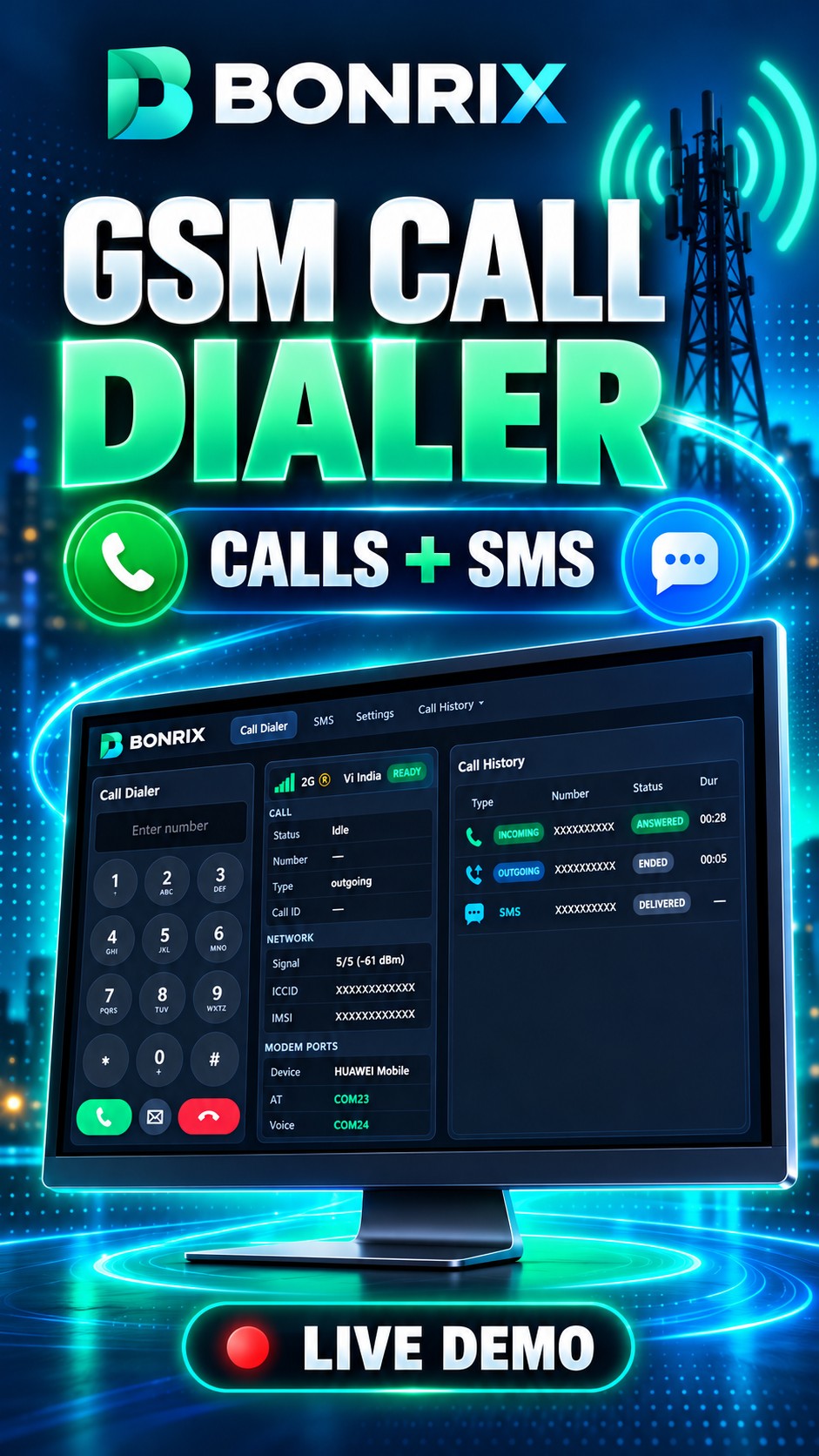
Manage desktop calls and SMS with the Bonrix Standalone GSM Dialer. Bonrix GSM Dialer connects with a GSM modem to provide a complete desktop communication solution for making calls, receiving calls, sending SMS, and maintaining call records from one easy-to-use interface.
Features
- ✅ Outgoing Calls: Enter a mobile number using the desktop dial pad and make calls through the connected GSM modem.
- ✅ Incoming Calls: Receive incoming call notifications with options to answer or reject calls.
- ✅ Live Call Status: Monitor call activity, including ringing, connected, and ended call statuses.
- ✅ Call History: View incoming and outgoing call records with phone numbers, call status, and call duration.
- ✅ SMS Messaging: Compose and send SMS messages from the desktop application and view sent messages.
- ✅ Modem and Network Details: View connected modem information, network signal strength, and communication port details.
- Sales and telecalling teams
- Businesses managing customer calls
- Customer support teams
- CRM users requiring desktop calling tools
- Developers working with GSM dialer and CRM integrations
Bonrix Software Systems 📍 Location: Ahmedabad, Gujarat, India
📞 Call: +91 7284045500
✉️ Email: crm.bonrix@gmail.com
🌐 Website: https://crm.bonrix.in/
Contact us to discuss Bonrix SmartCRM, desktop GSM dialer workflows, and CRM integration requirements.
Videos
Manage Desktop Calls and SMS with Bonrix Standalone GSM Dialer!
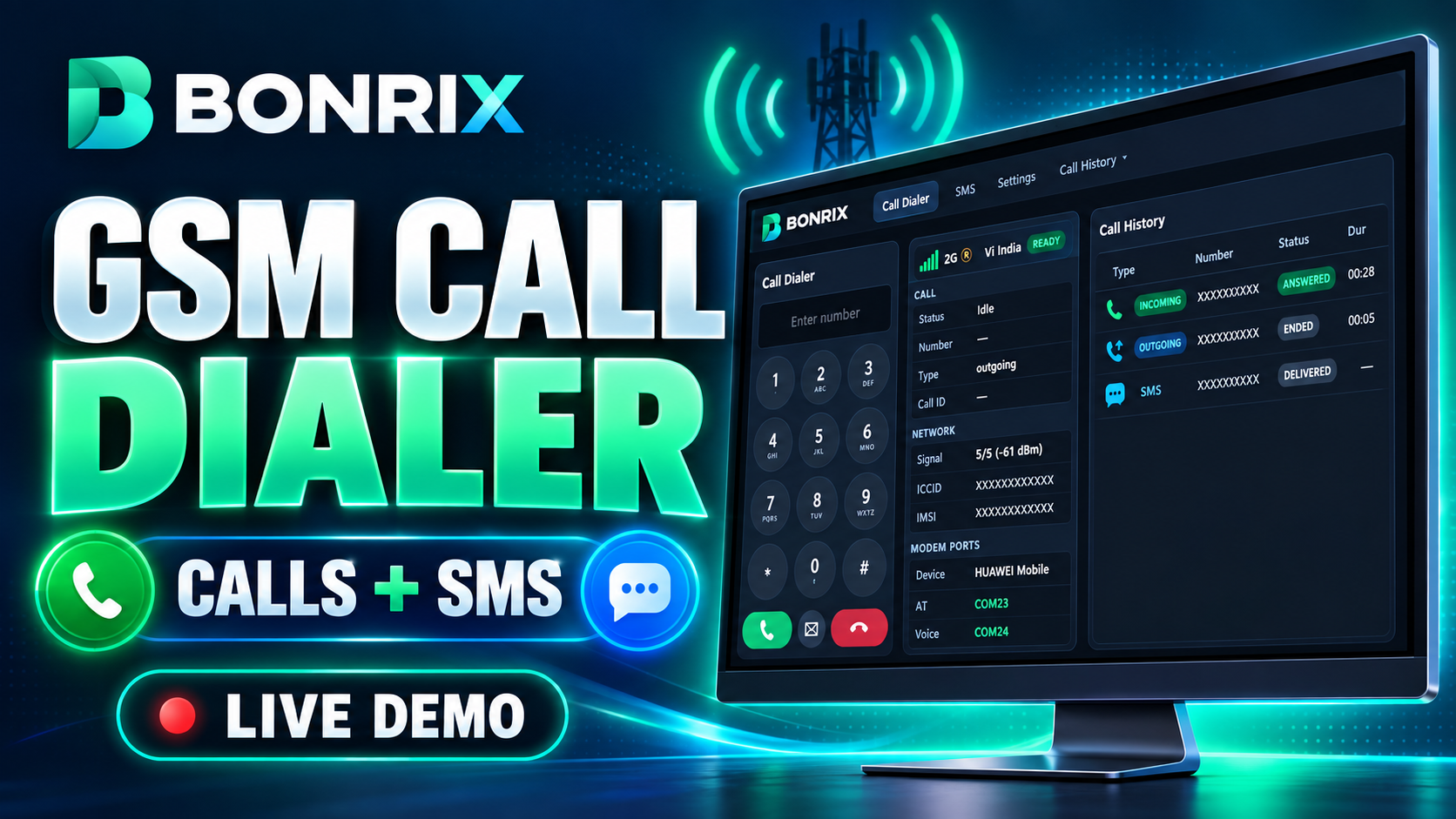
This demo shows the Bonrix GSM Dialer working with a connected GSM modem to make outgoing calls, receive incoming calls, view call history, and send SMS—all from one desktop interface.
🎯 FEATURES DEMONSTRATED
- ✅ Outgoing Calls: Enter a mobile number using the desktop dial pad and initiate a call through the connected GSM modem.
- ✅ Incoming Calls: Receive an on-screen incoming call notification with options to answer or reject the call.
- ✅ Live Call Status: View call status during the calling process, including ringing and ended calls.
- ✅ Call History: Check incoming and outgoing call records with the phone number, call status, and duration.
- ✅ SMS Messaging: Compose and send SMS from the desktop application and view sent messages.
- ✅ Modem and Network Details: View connected modem information, network signal strength, and communication port details.
💡 WHO IS THIS FOR?
- • Sales and telecalling teams
- • Businesses handling customer calls
- • Customer support teams
- • CRM users exploring desktop calling tools
- • Developers working on GSM dialer and CRM integrations
The video demonstrates how calling, SMS, and call history can work together in a desktop application to support everyday business communication.
📞 FOR DEMO & SALES ENQUIRIES
Bonrix Software Systems
📍 Location: Ahmedabad, Gujarat, India
📞 Call: +91 7284045500
✉️ Email: crm.bonrix@gmail.com
🌐 Website: https://crm.bonrix.in/
Contact us to discuss Bonrix SmartCRM, desktop GSM dialer workflows, and CRM integration requirements.
👍 Like this video and subscribe for more Bonrix software demonstrations and integration updates.
#Bonrix #SmartCRM #GSMDialer #DesktopDialer #StandaloneDialer #IncomingCalls #OutgoingCalls #SMS #CallHistory #GSMModem #Telecalling #CRMSoftware #BusinessCommunication #BonrixSoftware